Dose tracking
Keep every Ozempic dose in one place
Lina lets you log the dose, date, time, injection site or pill routine, and any notes you want to remember. The point is not to create more admin. It is to make your next check-in less vague.
Keep your Ozempic routine visible with dose logs, symptom notes, meals, protein, hydration, weight trends, and appointment-ready context.
7-day free trial. Cancel anytime. Lina is a wellness tracker, not a medical device.

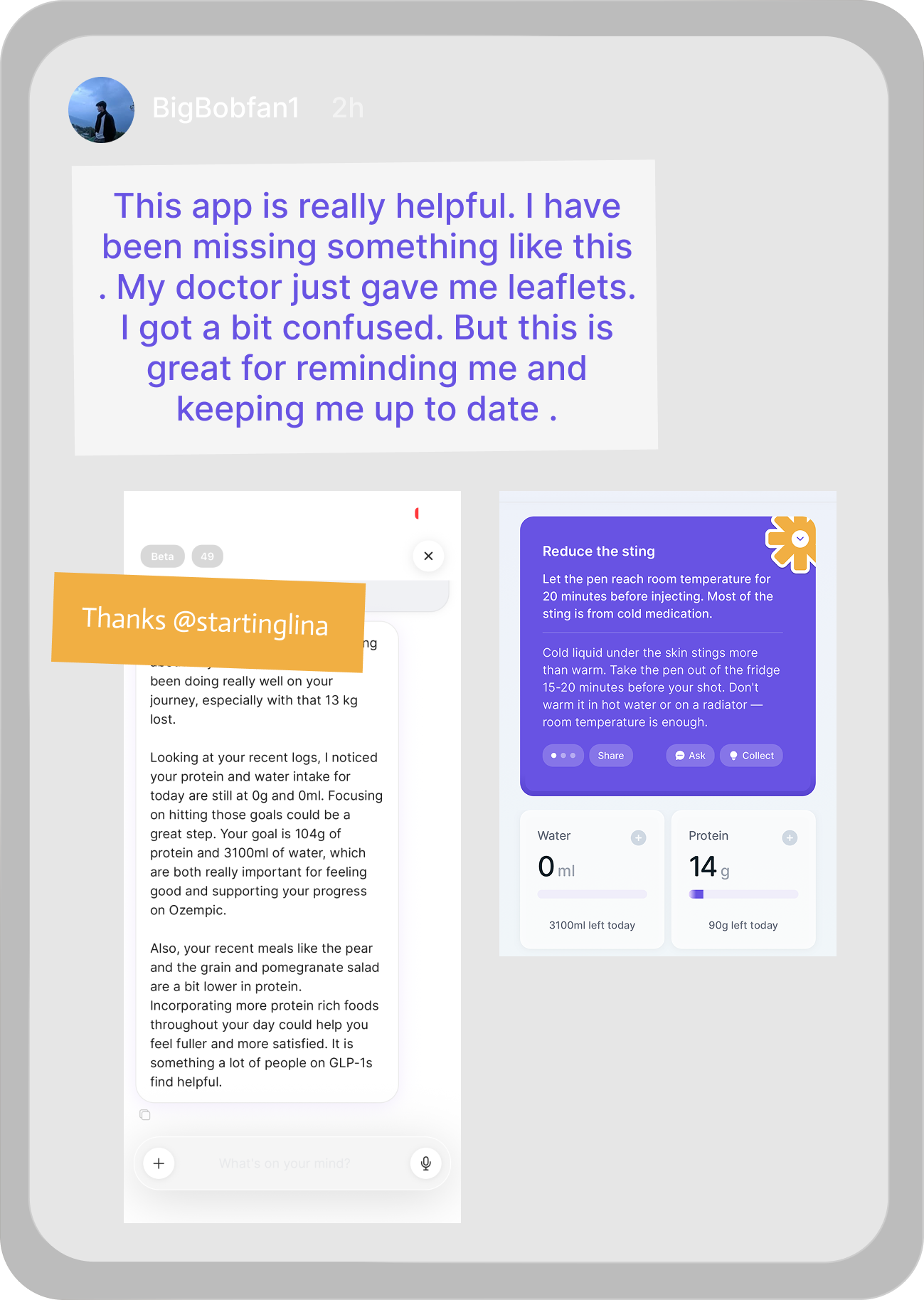
Short answer
A useful Ozempic tracker should log the weekly dose and the changes around it. Lina helps Ozempic users track doses, side effects, meals, protein, hydration, weight trends, and notes in one GLP-1-focused app.
Tracker priorities
People searching for an Ozempic tracker often ask how to track progress, results, and side effects. Lina should make symptom timing, food context, hydration, and weight trend clear near the top.
Who it is for
What to track
Built for GLP-1 routines
Dose tracking
Lina lets you log the dose, date, time, injection site or pill routine, and any notes you want to remember. The point is not to create more admin. It is to make your next check-in less vague.
Side effects
Side effects are easier to understand when they are logged with timing. Lina helps you record common GLP-1 issues such as nausea, constipation, reflux, fatigue, appetite changes, and headaches without turning the app into a medical questionnaire.
Food and protein
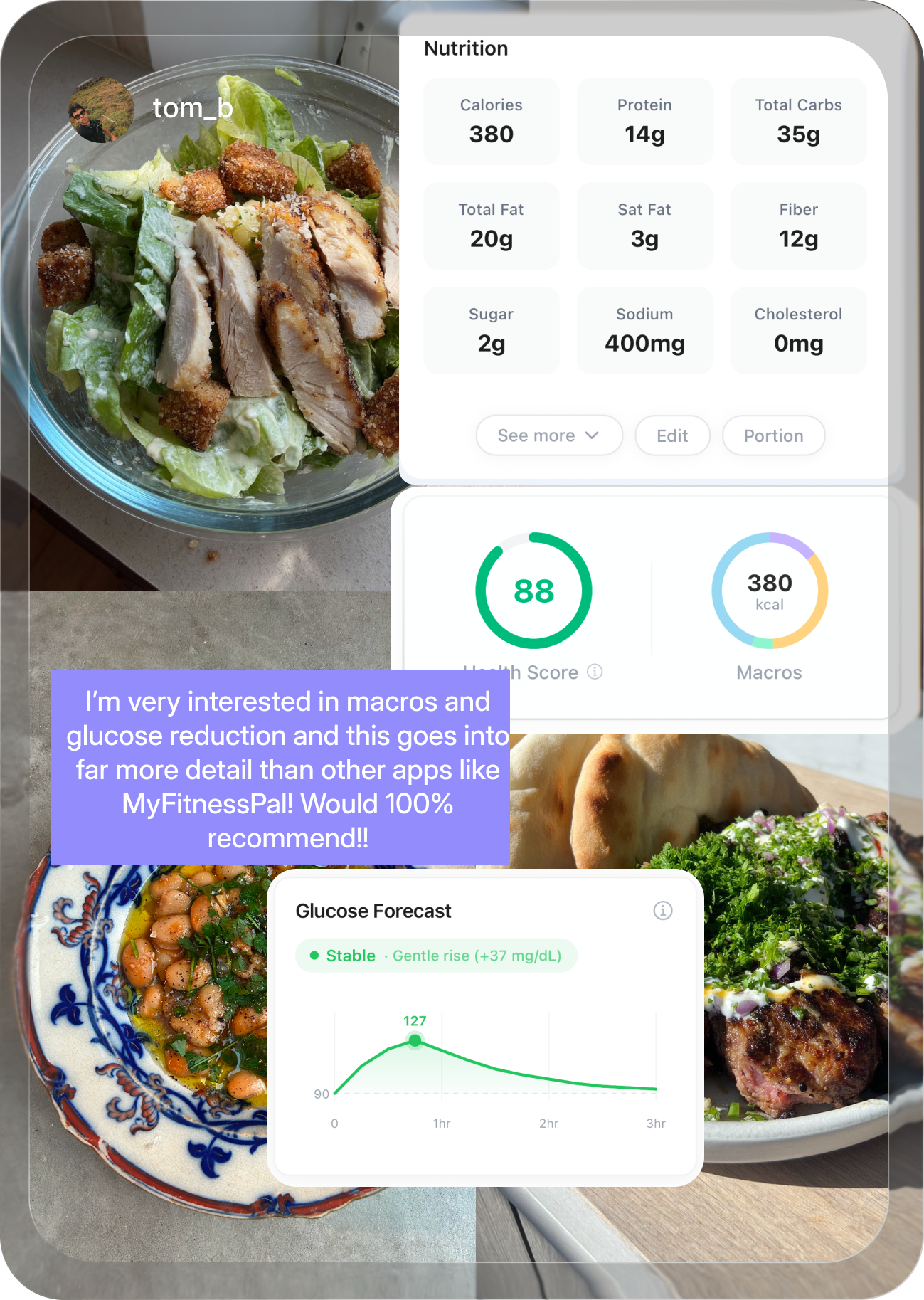
Ozempic can change hunger, meal size, and food tolerance. Lina keeps food, protein, hydration, and weight trends in the same place so you can see what is happening across the week.
Progress
Daily weight can jump around. Lina is built around patterns: dose history, weight trend, meals, hydration, side effects, and daily notes together.
Ask Lina
Ask Lina helps with practical tracking questions around Ozempic, food, side effects, hydration, protein, and what to prepare before a clinician check-in.
Recipes
The recipe generator helps turn protein goals, food tolerance, and what you have at home into simple meal ideas that fit a GLP-1 routine.
Lina Learn
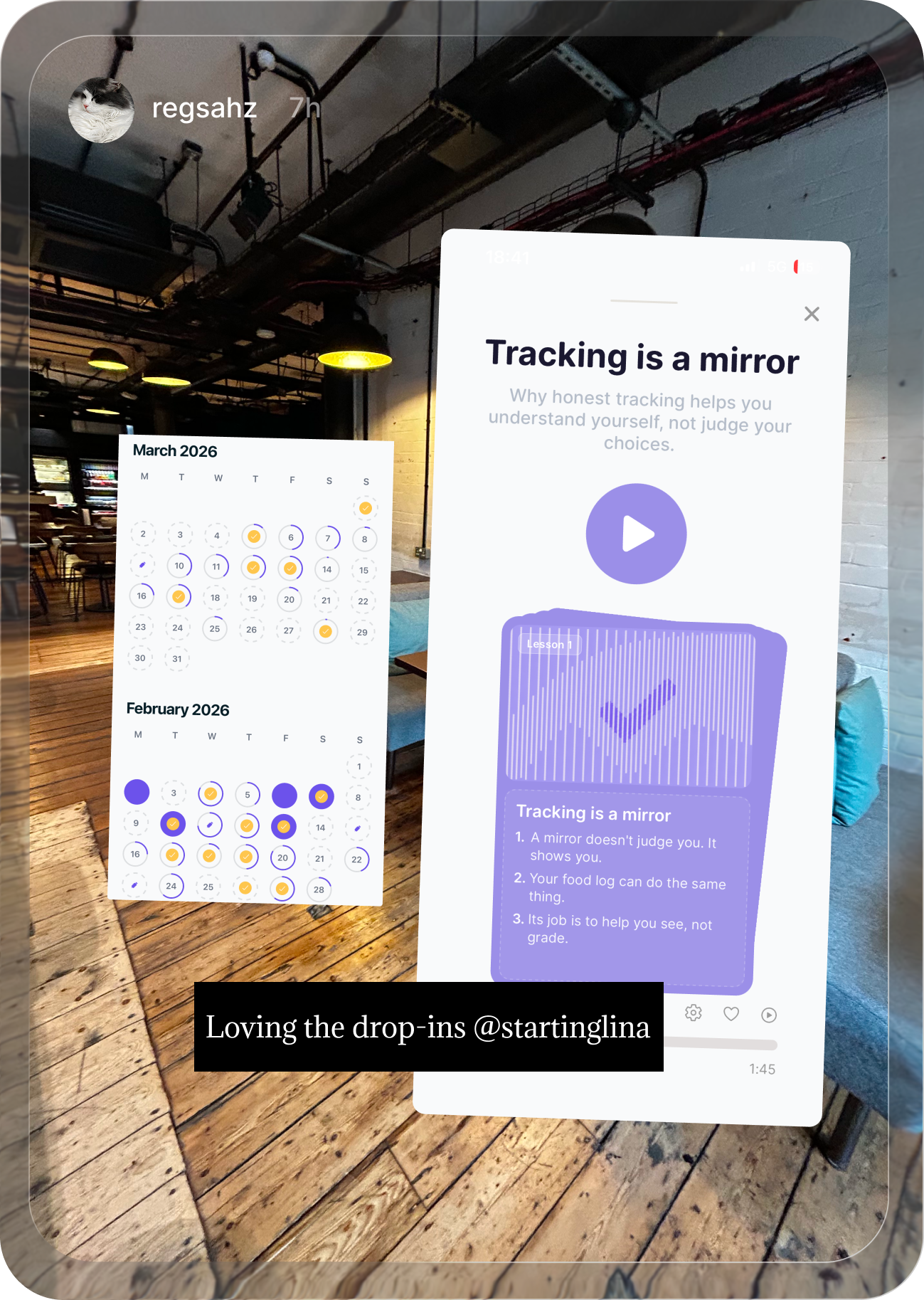
Lina Learn micro-lessons explain GLP-1 basics, nutrition habits, side effects, and progress tracking in short pieces you can actually finish.
Widgets
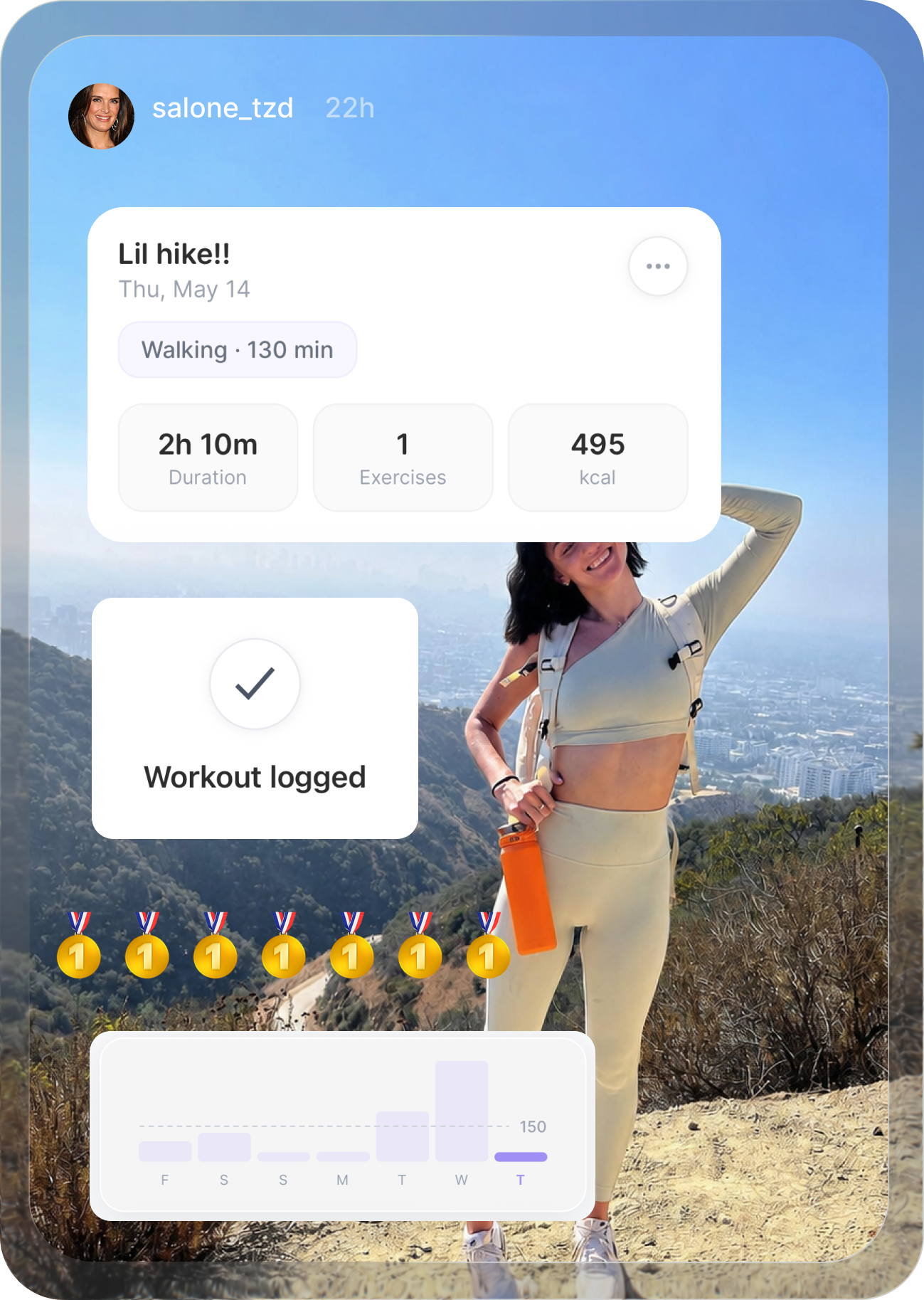
Calorie, step, hydration, and protein widgets keep the daily signals visible without forcing you into a generic calorie-counting workflow.
Tracker checklist
The pages ranking above tracker searches usually cover one or two of these jobs well. Lina should make all of them visible on the page because that is what people compare when they choose an app.
| Tracker job | What to capture | Why it matters |
|---|---|---|
| Shot or pill routine | Dose, timing, injection site or pill routine, missed doses, and notes about changes. | Most ranking tracker pages cover medication logging. Lina needs that base layer plus the context around it. |
| Side effects | Nausea, constipation, reflux, fatigue, headaches, appetite changes, dry mouth, burps, and food tolerance. | Competitors win symptom intent with specific side-effect pages. Lina keeps symptom timing beside the dose history. |
| Food, protein, hydration and fiber | Meals, protein, water, fiber, calories when useful, and foods that feel easier or harder that week. | Diet trackers rank because people worry about eating enough. Lina frames nutrition around GLP-1 appetite changes. |
| Progress | Weight trend, progress photos, measurements, steps, energy, non-scale wins, and weekly notes. | Many tracker apps lean on charts. Lina should show progress without reducing the journey to one number. |
| Support between doses | Questions for Ask Lina, recipe ideas, micro-lessons, widgets, and appointment notes. | This is Lina’s advantage over simple shot logs, reminder apps, and printable trackers. |
semaglutide
Ozempic is semaglutide and is commonly prescribed for type 2 diabetes. Some users also track weight change, appetite, and nutrition because semaglutide can affect hunger and meal size. Lina keeps the weekly dose record beside food, side effects, hydration, weight trend, and notes so the story is easier to follow.
Why Lina is different
A medication log is useful, but people on GLP-1s also need help with the questions that show up between doses: what to eat, what to log, how to prep for a check-in, and how to keep protein, steps, hydration, and symptoms visible without using five separate tools.
Ask plain-language questions about your routine, food, side effects, and what to log before a check-in.
Generate simple meal ideas around low appetite, protein goals, hydration, and foods you already tolerate.
Short lessons explain the GLP-1 basics without sending you into Reddit threads or generic diet advice.
Keep calories, protein, hydration, steps, and daily movement visible without making the page feel like a calorie-counting app.
Lina is shaped with input from Dr Danna Kashlan, MD, so the app feels supportive without pretending to replace clinical care.
Comparison gaps
Tracker options are crowded with app-store listings, shot logs, diet trackers, calculator pages, and symptom articles. Lina can answer the full tracking job on one page.
| Tracker type | What it does well | How Lina can go further |
|---|---|---|
| App-store shot logs | They rank for broad GLP-1 tracker terms because they are simple and visible in app results. | Lina keeps shot tracking, food, symptoms, widgets, recipes, lessons, and clinician-ready notes together. |
| GLP-1 journey apps | They often show weekly views, injection-site maps, progress charts, and medication-specific landing pages. | Lina should match those basics, then add Ask Lina, recipe generation, Lina Learn, and Dr Kashlan-reviewed support. |
| Diet trackers | They rank for protein, calories, and free tracker queries. | Lina can make food tracking feel GLP-1-specific: low appetite, protein, hydration, fiber, and tolerable meals. |
| Calculator and side-effect pages | They capture searches around protein calculators, dose calculators, nausea, burps, headaches, and dry mouth. | Lina should answer what to track and when to ask a clinician, without pretending to prescribe or calculate doses. |
Comparison
Ozempic tracking is not just a calendar problem. The useful record connects the dose with how you felt, what you ate, and what changed over time.
| What you need | Lina | Generic diet or habit app | Phone reminder |
|---|---|---|---|
| Medication history | Dose, date, site, reminders, notes, and Ask Lina context in one GLP-1 timeline. | Usually possible, but often mixed with unrelated habits or calories. | Can remind you, but rarely gives context after the reminder fires. |
| Side-effect patterns | Log nausea, constipation, reflux, fatigue, appetite, and notes beside dose history. | Usually requires custom notes or separate symptom tracking. | Not built for symptom history. |
| Protein and hydration | Tracks meals, protein, hydration, recipe ideas, and daily check-ins around GLP-1 appetite changes. | Often calorie-first, which can feel wrong when appetite is already low. | No nutrition context. |
| Recipe support | Recipe generator helps turn protein goals, appetite, food tolerance, and what is at home into simple meal ideas. | Usually logs food after the fact, but may not help when low appetite makes planning hard. | No meal support. |
| Ask Lina | Ask Lina helps with practical questions about what to track, food, symptoms, hydration, and appointment prep. | Usually requires searching elsewhere or writing custom notes. | No conversational support. |
| Lina Learn | Micro-lessons explain GLP-1 basics, side effects, protein, hydration, and progress tracking in short pieces. | May have generic health articles, but not a GLP-1 learning layer beside the tracker. | No education layer. |
| Daily widgets | Calorie, step, protein, hydration, and habit widgets keep the day visible without opening five separate tools. | Can track some metrics, but often separates them from medication context. | No widgets or daily context. |
| Doctor-ready context | Keeps doses, weight trends, side effects, meals, Ask Lina notes, and widget signals together for check-ins. | Possible, but usually scattered across different logs. | Only shows adherence. |
| Support between doses | Ask Lina, recipe ideas, Lina Learn micro-lessons, calorie widgets, hydration widgets, protein widgets, and step widgets sit beside the tracker. | Usually offers logging, but not GLP-1-specific guidance or learning. | No support after the notification. |

Reviewed support
Dr Kashlan is Lina's founding medical advisor. Lina content is written for education and tracking support, not diagnosis, treatment, or dose decisions.
Useful next reads
These pages help connect Ozempic tracking with the rest of the GLP-1 journey.
Sources
Last updated: 2026-06-03
FAQ
Track your dose, injection site, side effects, meals, hydration, appetite, weight trend, glucose context if relevant, and notes for your prescriber.
Yes. Lina lets you log side effects and notes beside your Ozempic timeline so you can see whether symptoms change across weeks or around dose changes.
No. Lina helps you track your routine and organize your records. Your prescriber should make dosing and medical decisions.
Keep doses, side effects, food, protein, hydration, weight trends, and notes together so your routine is easier to understand.
Ozempic tracker
7-day free trial